What a scanner online is for
A scanner online is the right tool when you need a readable page and you do not want another mobile app. It is built for photos of paper, not for wrapping the original JPEG in a PDF.
How the scan is cleaned
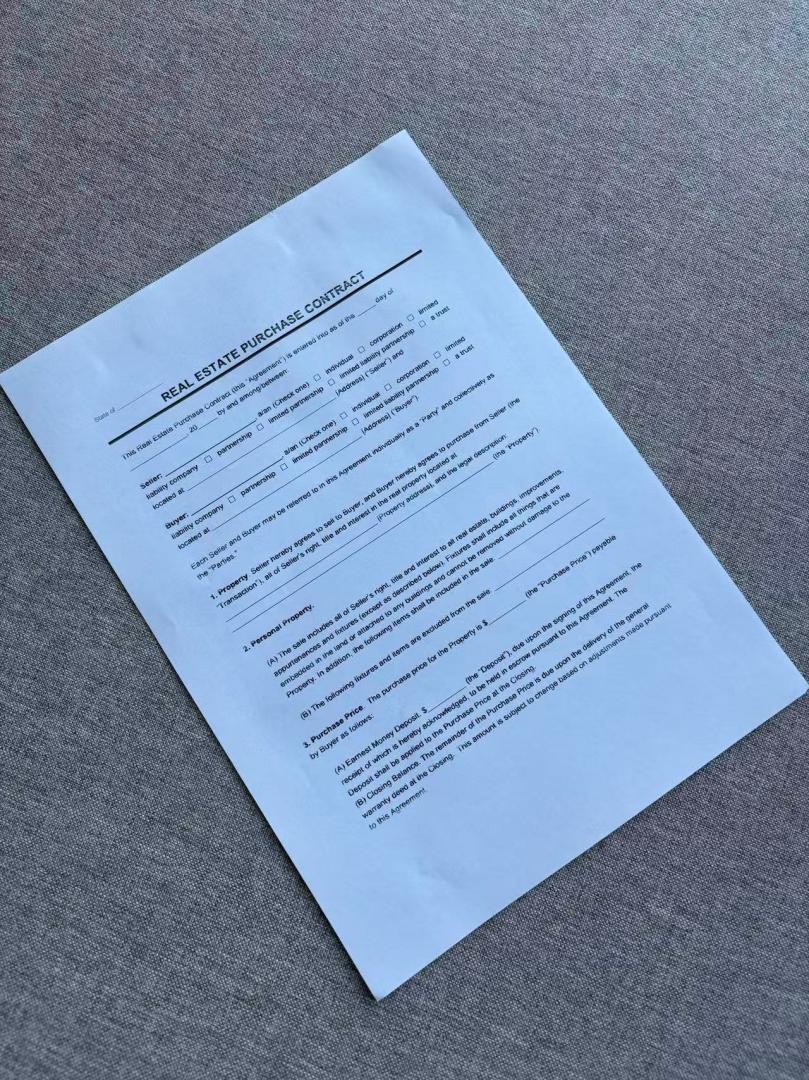
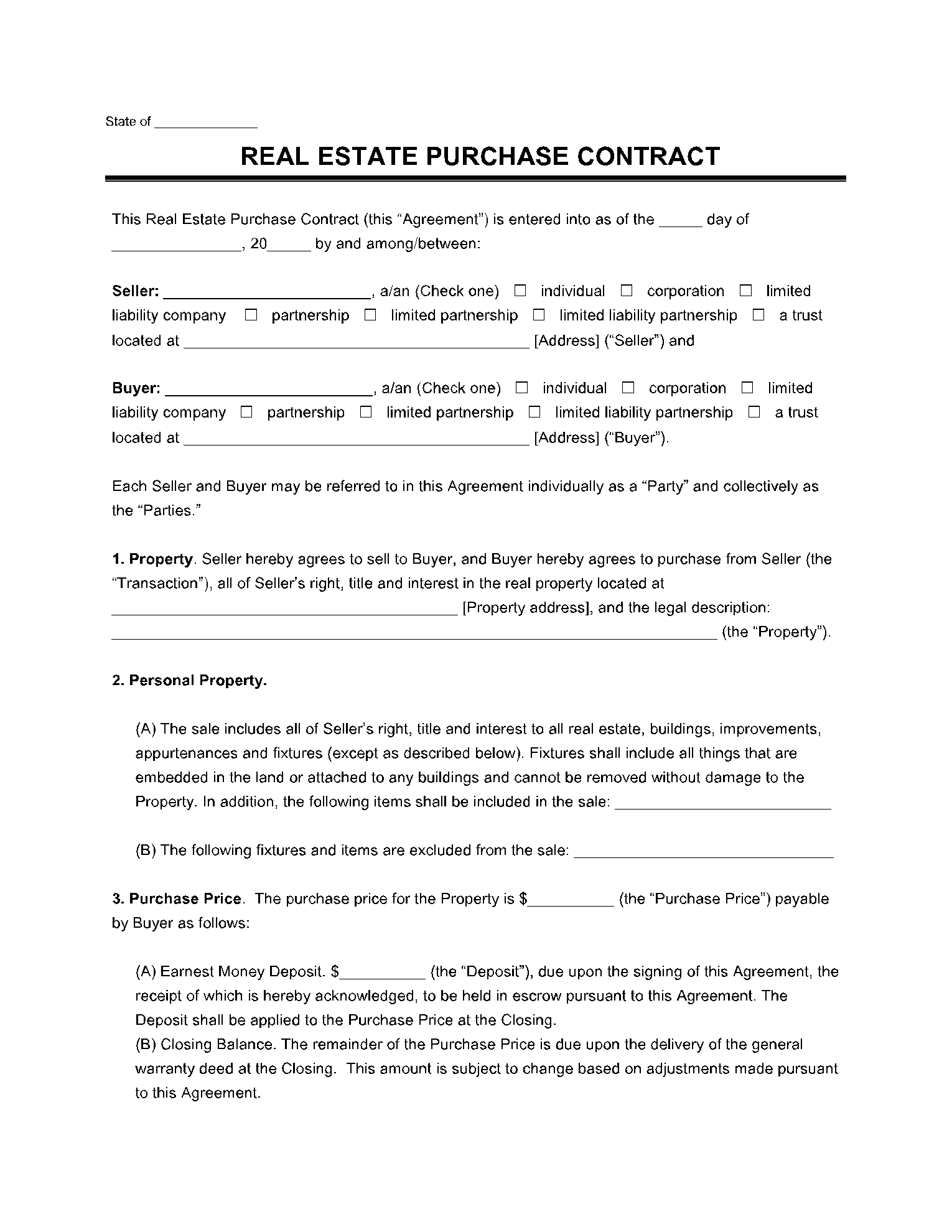
Each upload is flattened and contrast is raised so type stays readable. Desk edges and lamp shadows are the usual problem; this scanner online is built for those shots.
01
Add the photo
Use a file you already have, or take a new picture on your phone.
02
Wait for cleanup
The page is located and flattened. You do not drag four corners.
03
Export the file
Download a PDF or images when the preview looks right.
When to use another page
If you already know you need a PDF from a phone picture, use the photo-to-PDF tool. If you want the main free document scanner, start on the homepage.
Scanner online result
Before
After
Scan documents online
Scanner online questions
Do I need to install a scanner app?
No. This scanner online stays in the browser. Sign in, upload or capture the page, then export.
Is a scanner online the same as a flatbed?
No. A flatbed still wins on bound books. This path is for a photo of a single sheet that you need to submit.
What happens to the photos I upload?
Any photos you upload and any scans we generate are deleted automatically within 24 hours. Please download your scanned files before then. We do not sell your documents or use them for ads.
Run the scanner online
Upload a photo of paper, wait for flattening, then download the page.
Run the scanner online