Camera scanner online on a phone
A camera scanner online is for the moment you still have the paper in front of you. Hold the phone above the sheet, keep text inside the frame, and shoot. Slight tilt is fine.
After you capture the page
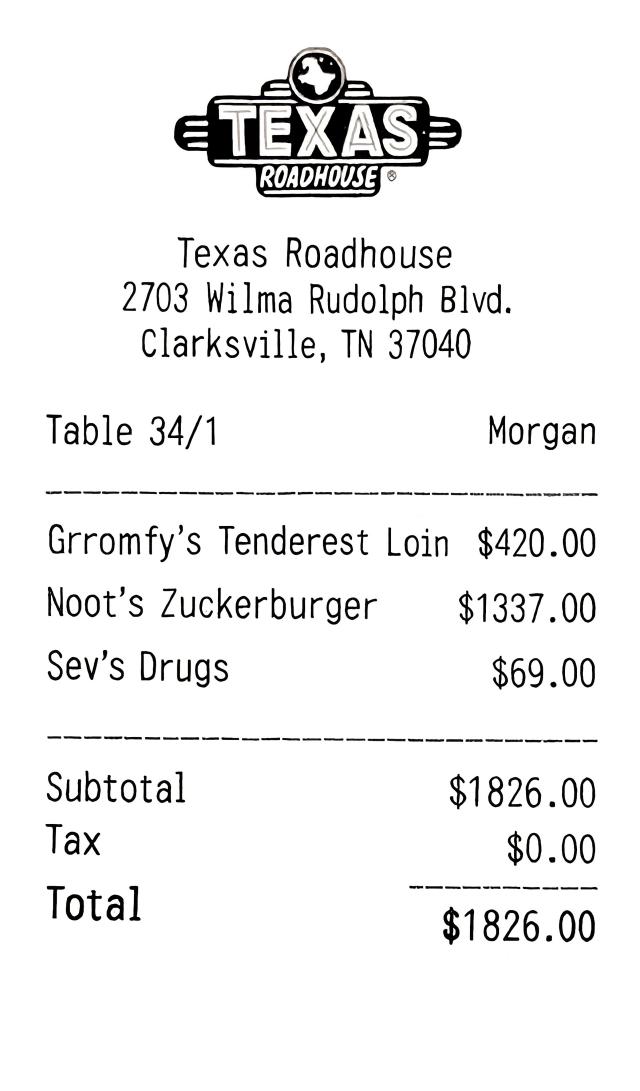
Cleanup is the same as an upload: locate the sheet, flatten it, raise contrast. You are not dragging crop handles in the browser.
01
Capture or import
Use the camera on a phone, or a file on a laptop.
02
Automatic flatten
The page is squared even when the shot is not perfectly overhead.
03
Export
Download a PDF or an image for the destination that asked for a scan.
Lighting tips
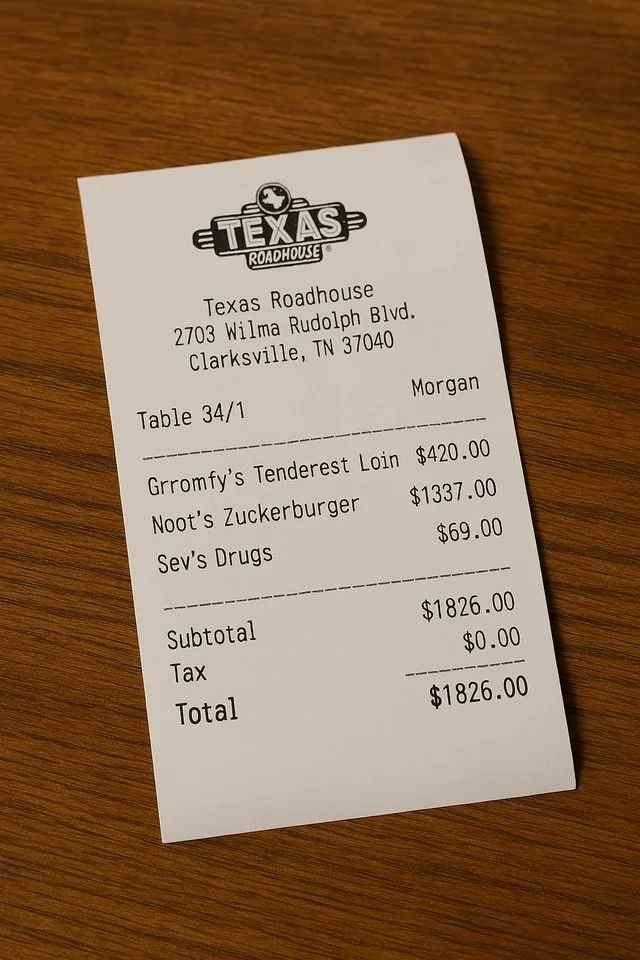
Avoid covering the total on a receipt. Avoid a bright window behind the page. A gray table and a lamp hotspot are expected; that is what shadow cleanup is for.
Camera capture versus scan
Before
After
Scan documents online
Camera scanner online questions
Does a camera scanner online work on a computer?
Yes. The camera path is for phones. On a laptop, upload a photo. The flatten step is the same.
Do I need a native camera scanner app?
No. This camera scanner online stays in the browser. Install an app only if you need OCR or an offline library.
What happens to the photos I upload?
Any photos you upload and any scans we generate are deleted automatically within 24 hours. Please download your scanned files before then. We do not sell your documents or use them for ads.
Open the camera scanner
Capture the page or upload a photo, then download the scan.
Open the camera scanner