Submit pages that look scanned
01
Photograph or import every page
Keep text inside the frame. Slight tilt is fine.
02
Automatic cleanup
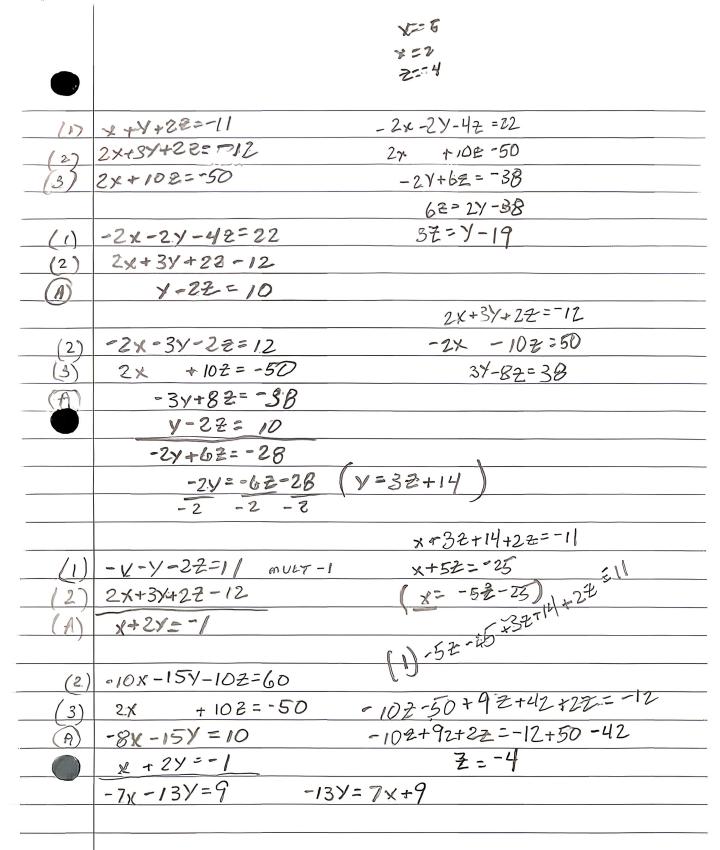
Each page is flattened and contrast is boosted. No need to mark corners on each sheet.
03
One PDF for the portal
Reorder, then export. Name the file the way your school asks.
Why homework photos get rejected
Dark tables, fingers, and keystone distortion look unprofessional. A scan PDF is what most classrooms expect.
Find the page
- Browser crop tools
- Usually requires dragging four corners
- JPG to PDF
- Keeps the original photo as-is
- This site
- Upload and it finds the page
Flatten / shadows
- Browser crop tools
- Filters; heavy shadows blotch or turn black
- JPG to PDF
- Desk, tilt, and shadows stay in the file
- This site
- Pages are flattened and cleaned automatically
What you get
- Browser crop tools
- A cropped photo with a filter
- JPG to PDF
- The same photo wrapped in a PDF
- This site
- A scan you can actually submit
Handwriting has to stay readable
Before
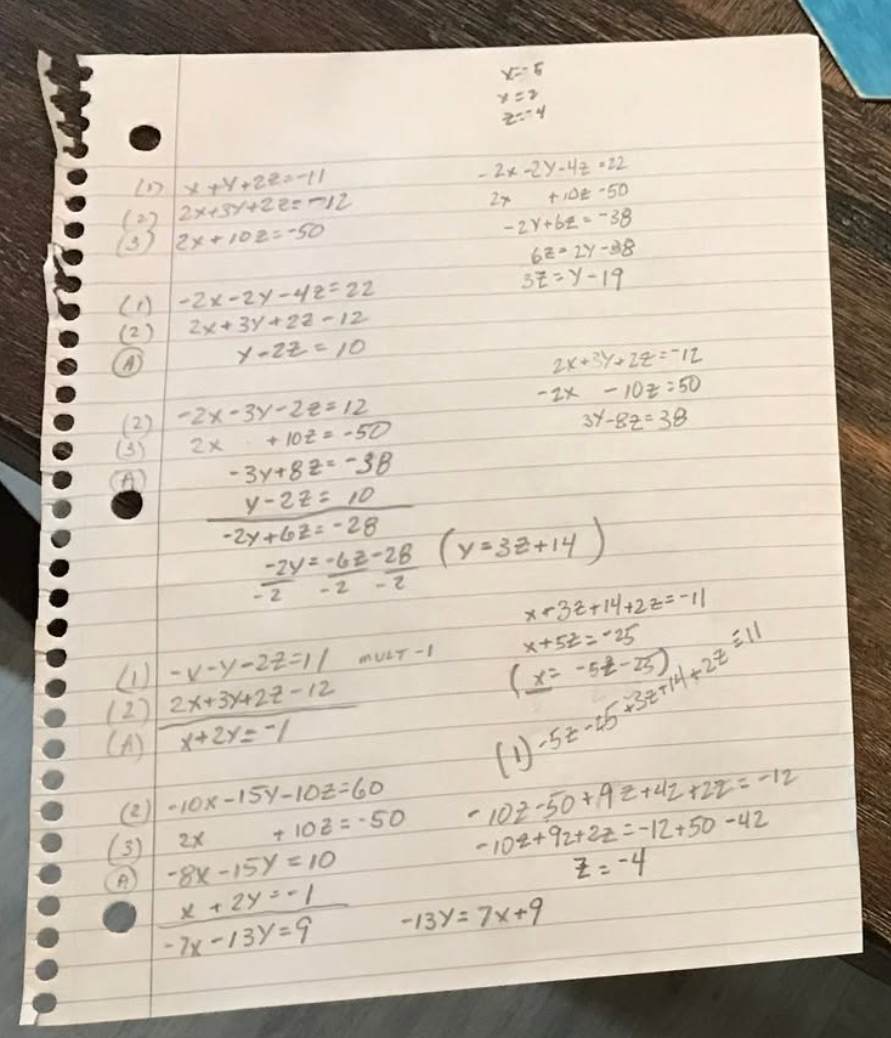
After
Also useful for
Homework scanner FAQ
Can I combine many pages?
Yes, within the image limit for each scan on your plan. Reorder before you start the scan.
Does it read handwriting with OCR?
This tool focuses on a clean scan image and PDF, not text extraction. You can still print or grade from the page image.
What happens to the photos I upload?
Any photos you upload and any scans we generate are deleted automatically within 24 hours. Please download your scanned files before then. We do not sell your documents or use them for ads.
Build the homework PDF
Add pages above, then start the scan.
Build the homework PDF