Scan to PDF from a photo
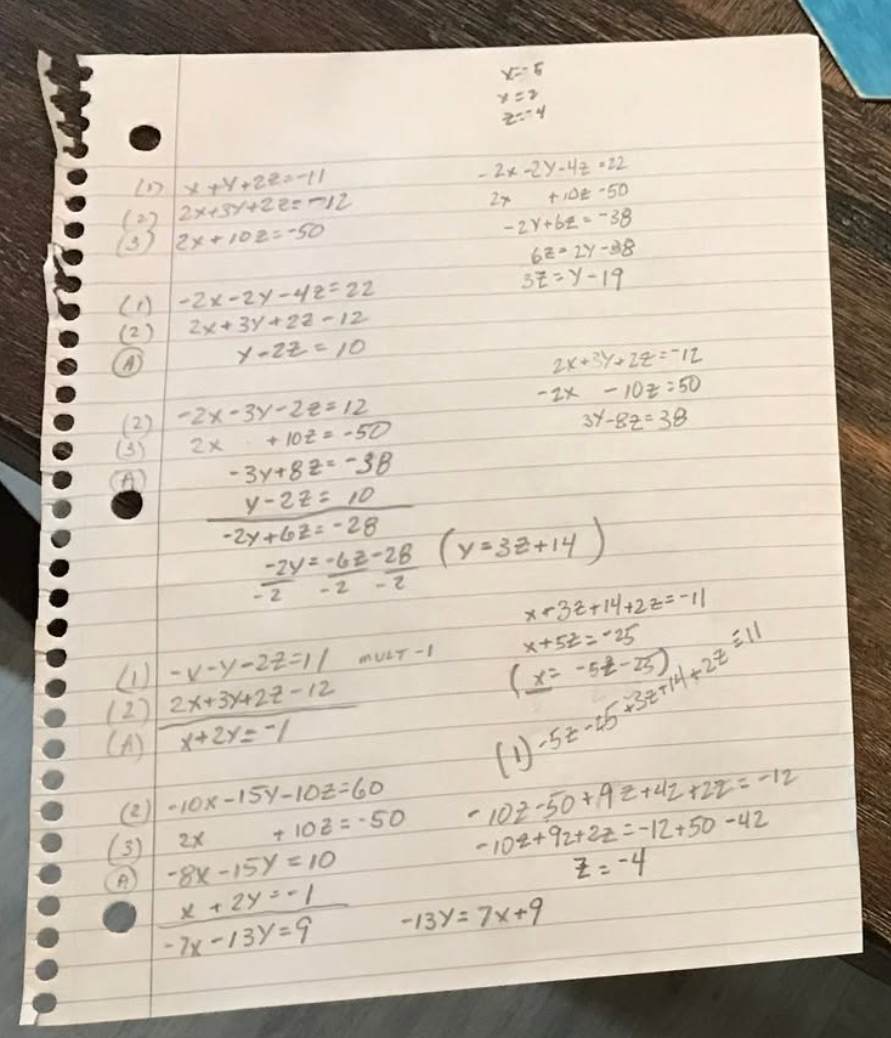
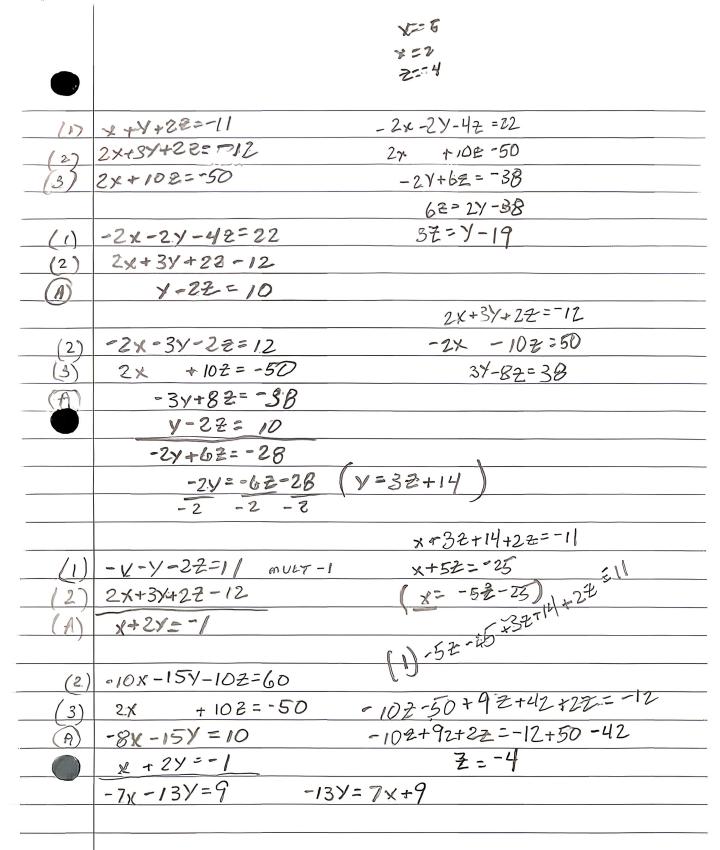
Scan to PDF here means isolate the sheet and export a clean file. Wrapping the original photo in a PDF still leaves the desk and the keystone tilt.
What you download
The download is a PDF the reviewer can open. Multi-page jobs belong on Pro, where you can stack up to 15 images in one file. The free path is 1 scan per day, one page, with a watermark.
01
Upload the sheet
Use a photo you already took, or capture a new one.
02
Flatten the page
Cleanup runs automatically. You do not mark corners first.
03
Download the PDF
Export when the preview looks like a scan, not a snapshot.
Scan to PDF vs image convert
A JPG-to-PDF converter keeps the pixels you uploaded. Scan to PDF on this page rebuilds a readable page first. If the file is already a screenshot of a sheet, that still works.
Scan to PDF preview
Before
After
Scan documents online
Scan to PDF questions
Can I scan to PDF without a hardware scanner?
Yes. Photograph the page or use a photo you already have, then export. That is the scan to PDF path this page is built for.
Does scan to PDF work for more than one page?
Free jobs are 1 scan per day and one image at a time. Pro stacks up to 15 pages in one PDF. Reorder before you start the scan.
What happens to the photos I upload?
Any photos you upload and any scans we generate are deleted automatically within 24 hours. Please download your scanned files before then. We do not sell your documents or use them for ads.
Scan to PDF now
Upload the photo, wait for cleanup, then download the PDF.
Scan to PDF now