What a document photo scanner does
A document photo scanner starts from a picture, not from a hardware bed. The job is to find the sheet in the photo and make it look like a scan a clerk can read.
Photos this page handles well
Overhead shots of a letter, a signed form, or a contract on a table. A document photo scanner is a poor fit for thick books; use a flatbed for those.
01
Import the shot
Use the photo you already have. Retake only if text is cut off.
02
Page cleanup
Flattening and shadow removal run without corner handles.
03
Submit the file
Export PDF or images for the portal that asked for a scan.
Document photo vs receipt photo
Receipts are small and often crumpled; there is a separate receipt page for that. This document photo scanner is for full sheets: letters, applications, and contracts.
Document photo versus scan
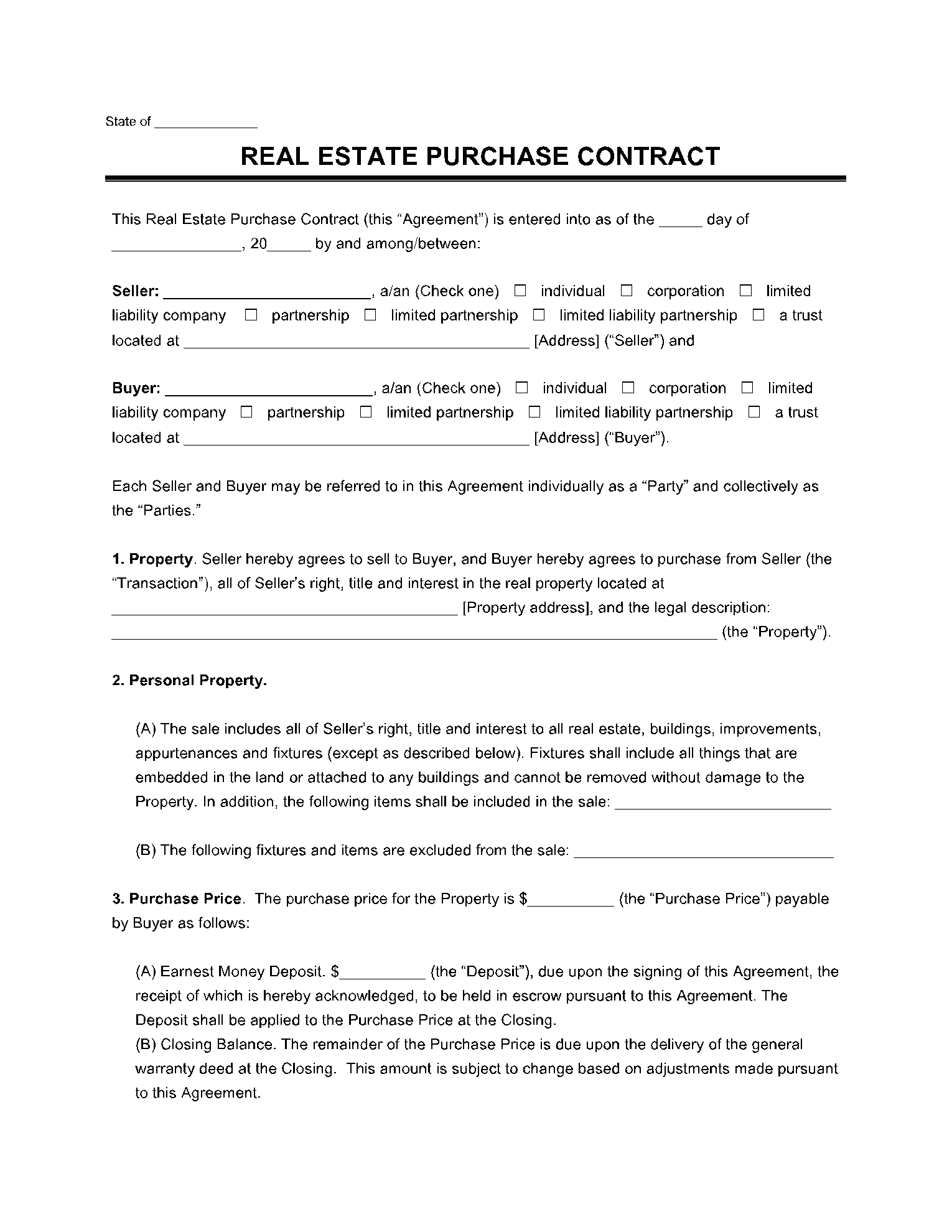
Before
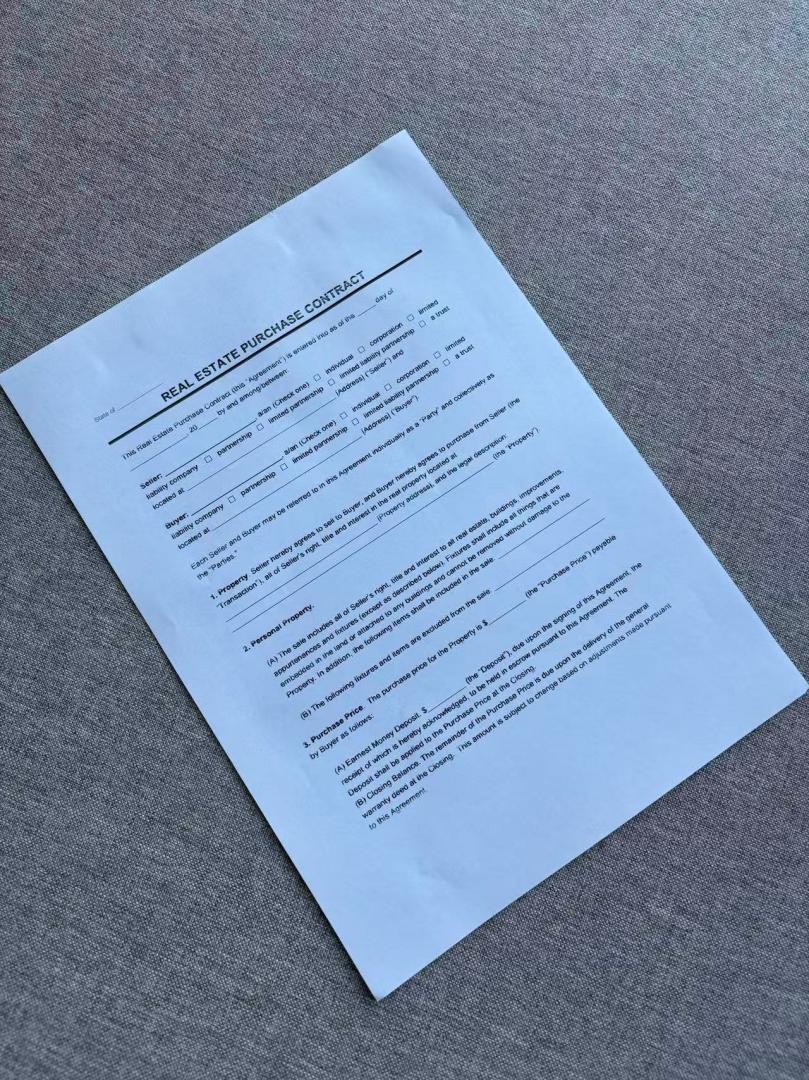
After
Scan documents online
Document photo scanner questions
Can a document photo scanner replace a copier?
For a single sheet, usually yes. For a bound packet, a copier or flatbed still produces more even pages.
Does the document photo scanner keep my files?
Uploads and generated scans are deleted automatically within 24 hours. Download the result before then.
What happens to the photos I upload?
Any photos you upload and any scans we generate are deleted automatically within 24 hours. Please download your scanned files before then. We do not sell your documents or use them for ads.
Scan this document photo
Upload the phone photo, wait for flattening, then export.
Scan this document photo