Scan photo to PDF from the camera roll
Scan photo to PDF is the job people type when they already took the picture. You do not need to reshoot next to a flatbed if the text is in frame.
What changes in the file
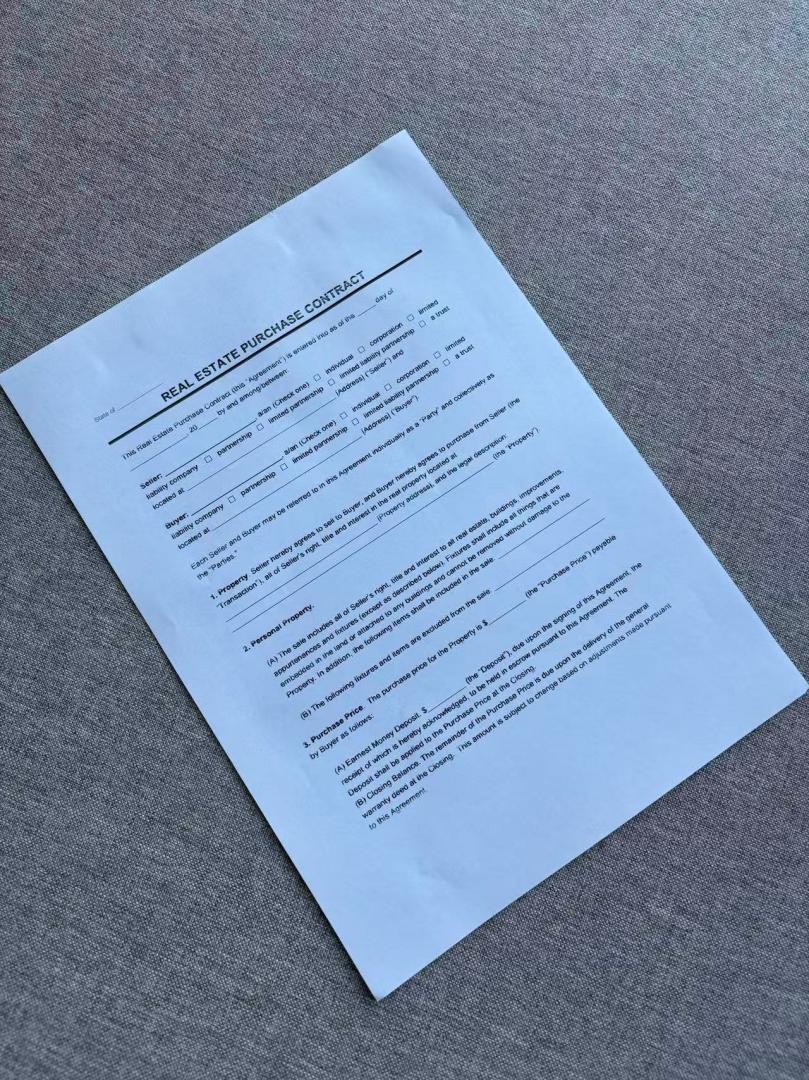
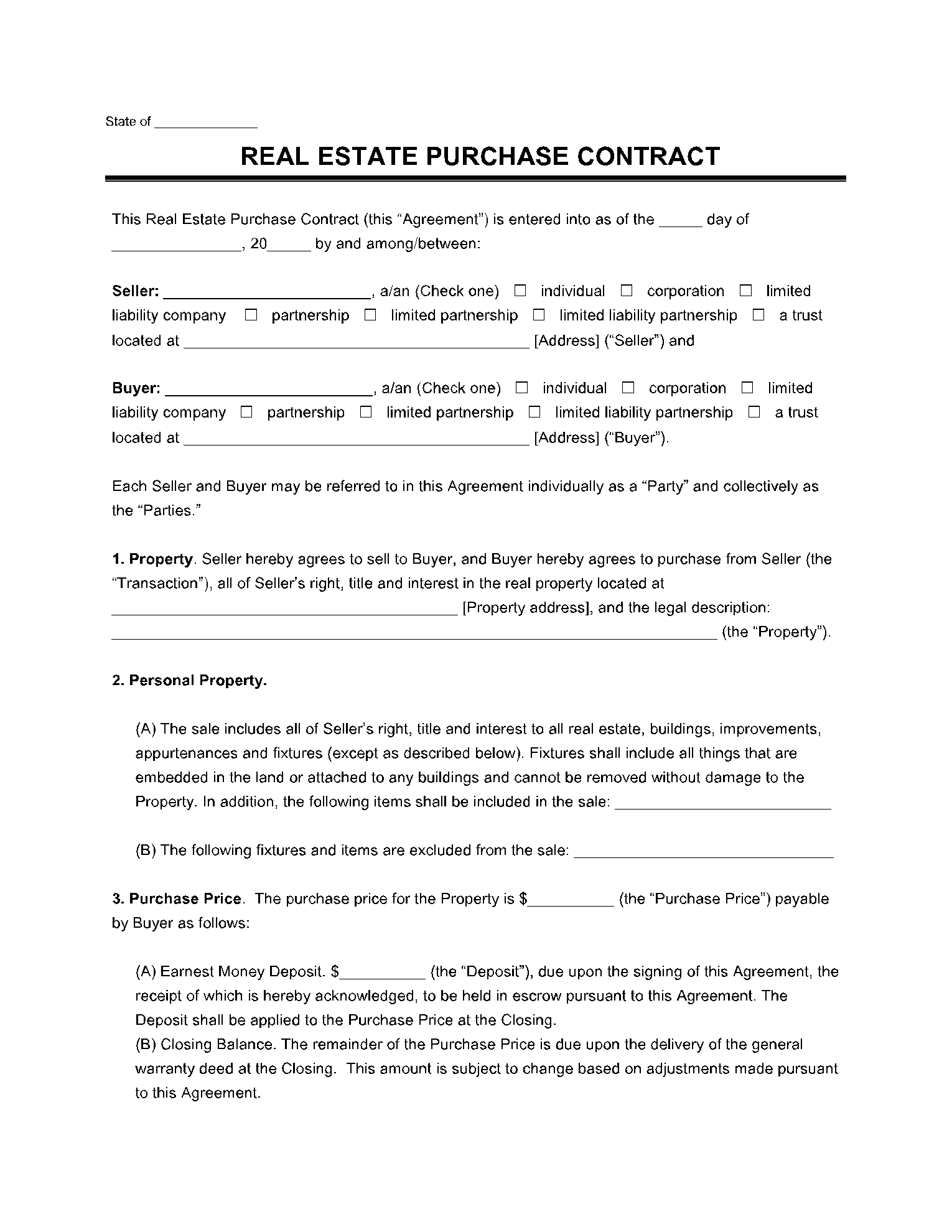
The export is a flattened page, not the same JPEG inside a PDF wrapper. Shadows on a gray table are cleaned so amounts and handwriting stay readable.
01
Choose the photo
JPG or PNG from Messages, Drive, or the camera roll.
02
Automatic flatten
The sheet is located even when the shot is slightly tilted.
03
Download PDF
Use PDF when a portal will not take a photo.
Photo vs screenshot
A screenshot of a worksheet still counts as a photo for this page. A picture that still shows a bit of table is expected. Extreme angles are harder; retake from above if the preview looks warped.
Photo versus PDF scan
Before
After
Scan documents online
Scan photo to PDF questions
Can I scan photo to PDF on a laptop?
Yes. Transfer the picture, then upload it here. Scan photo to PDF does not require the phone after the file is on the computer.
Is scan photo to PDF the same as printing the picture?
No. Printing a snapshot still shows the desk. This export is meant to look like a scan the recipient asked for.
What happens to the photos I upload?
Any photos you upload and any scans we generate are deleted automatically within 24 hours. Please download your scanned files before then. We do not sell your documents or use them for ads.
Scan this photo to PDF
Upload the camera shot, wait for flattening, then download the PDF.
Scan this photo to PDF