Make expense photos look like scans
01
Shoot or import the slip
Fill the frame as much as you can. Avoid covering the total.
02
Shadow cleanup
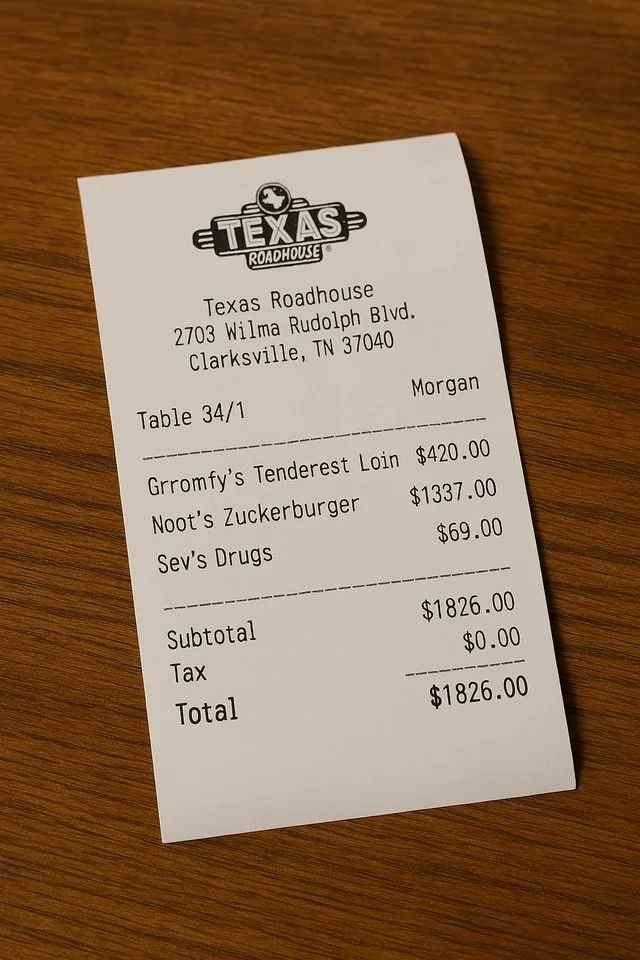
Server-side enhancement is built for this: a gray table and a hotspot from a lamp.
03
Export for the report
PDF or image, depending on what the expense system accepts.
Filters vs. real enhancement
Browser “magic color” often crushes a receipt to black. Dedicated enhancement should keep amounts readable.
Find the page
- Browser crop tools
- Usually requires dragging four corners
- JPG to PDF
- Keeps the original photo as-is
- This site
- Upload and it finds the page
Flatten / shadows
- Browser crop tools
- Filters; heavy shadows blotch or turn black
- JPG to PDF
- Desk, tilt, and shadows stay in the file
- This site
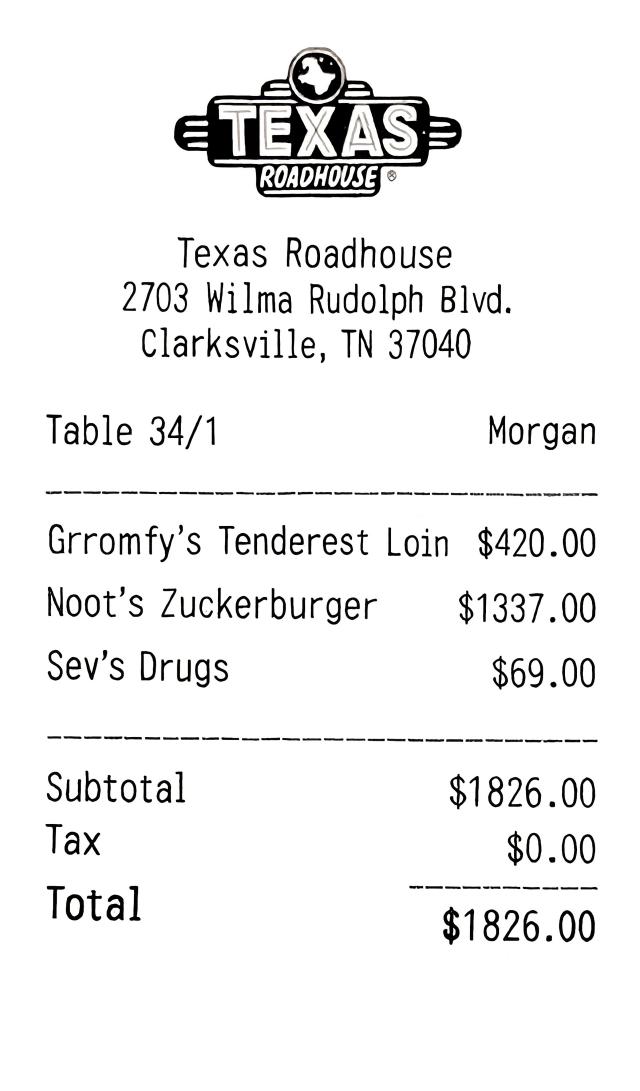
- Pages are flattened and cleaned automatically
What you get
- Browser crop tools
- A cropped photo with a filter
- JPG to PDF
- The same photo wrapped in a PDF
- This site
- A scan you can actually submit
Shadows are the usual problem
Before
After
Related workflows
Receipt scanner FAQ
What about long receipts?
Photograph in sections and keep the order in the list, or retake as a single well-lit frame if the system wants one page.
Does it extract amounts into Excel?
Not in this version. You get a clean scan file to attach. Text extraction may come later.
What happens to the photos I upload?
Any photos you upload and any scans we generate are deleted automatically within 24 hours. Please download your scanned files before then. We do not sell your documents or use them for ads.
Clean this receipt
Upload the photo from your camera roll or expense app.
Clean this receipt