From camera roll to scan PDF
01
Use the photo you already took
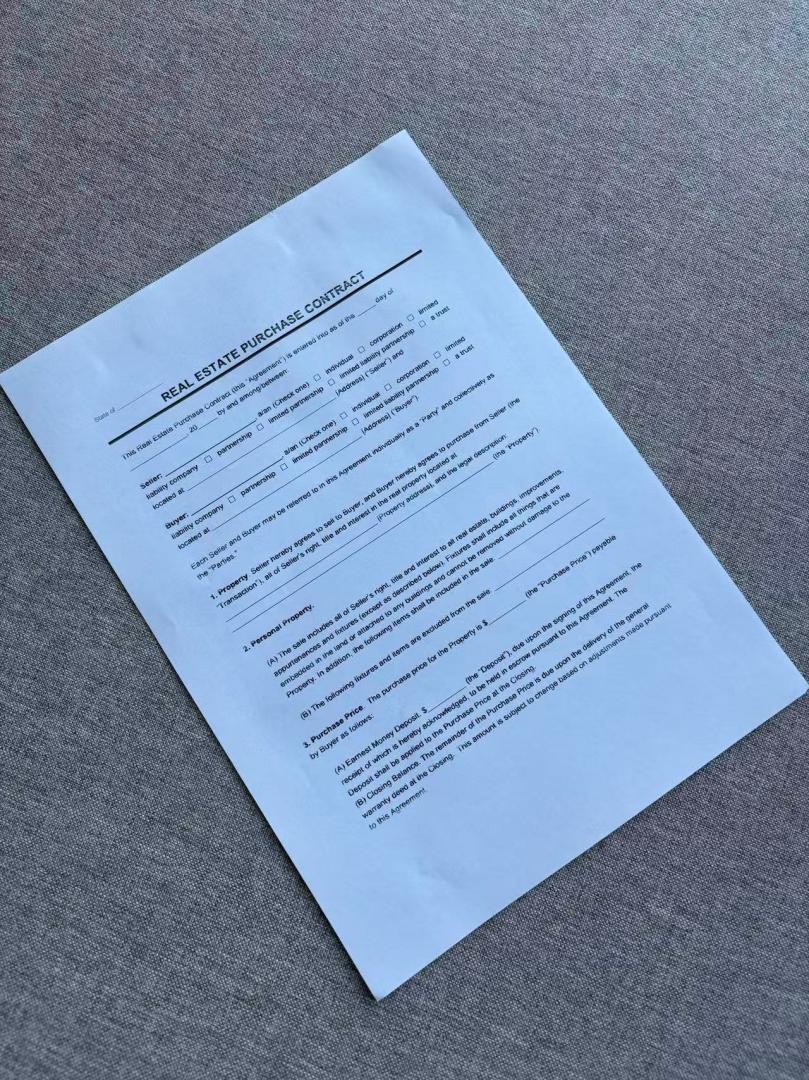
Tilt and a bit of table in the frame are normal. You don't need a perfect overhead shot.
02
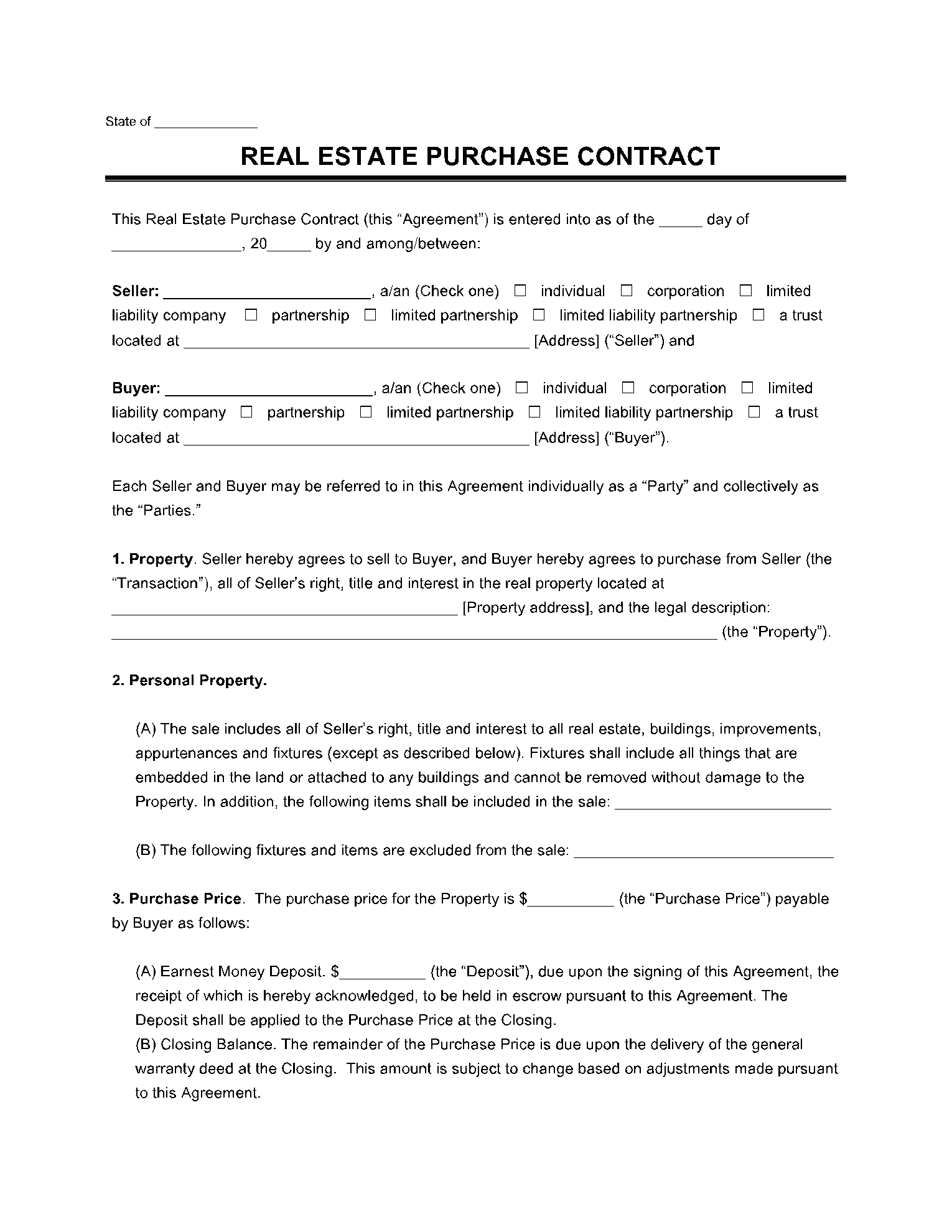
Automatic flattening
Perspective is corrected without dragging handles. That's the difference versus most web crop tools.
03
Export a scan, not a snapshot
Download a PDF or images.
A photo in a PDF is not a scan
JPG-to-PDF sites wrap your photo in a PDF but leave the desk in the file. This page is for people who were told to send a scan.
Find the page
- Browser crop tools
- Usually requires dragging four corners
- JPG to PDF
- Keeps the original photo as-is
- This site
- Upload and it finds the page
Flatten / shadows
- Browser crop tools
- Filters; heavy shadows blotch or turn black
- JPG to PDF
- Desk, tilt, and shadows stay in the file
- This site
- Pages are flattened and cleaned automatically
What you get
- Browser crop tools
- A cropped photo with a filter
- JPG to PDF
- The same photo wrapped in a PDF
- This site
- A scan you can actually submit
What “scan” should look like
Before
After
Related scans
Photo to scan FAQ
Can I scan a photo taken at an angle?
Yes. Flattening is automatic. Very extreme angles can still fail — retake from more of an overhead angle if the page is badly warped.
Will the desk background disappear?
The page area is isolated automatically. You do not draw the crop box yourself.
Is there a watermark?
Free and paid limits are listed on the pricing page. The scan itself is meant to look like a real scan, not a snapshot.
What happens to the photos I upload?
Any photos you upload and any scans we generate are deleted automatically within 24 hours. Please download your scanned files before then. We do not sell your documents or use them for ads.
Convert this photo now
Upload, wait for enhancement, then export a PDF.
Convert this photo now